Watches
Watches are typed views over raw Modbus memory. They are useful when registers represent numbers, floating-point values, booleans, counters, or strings.
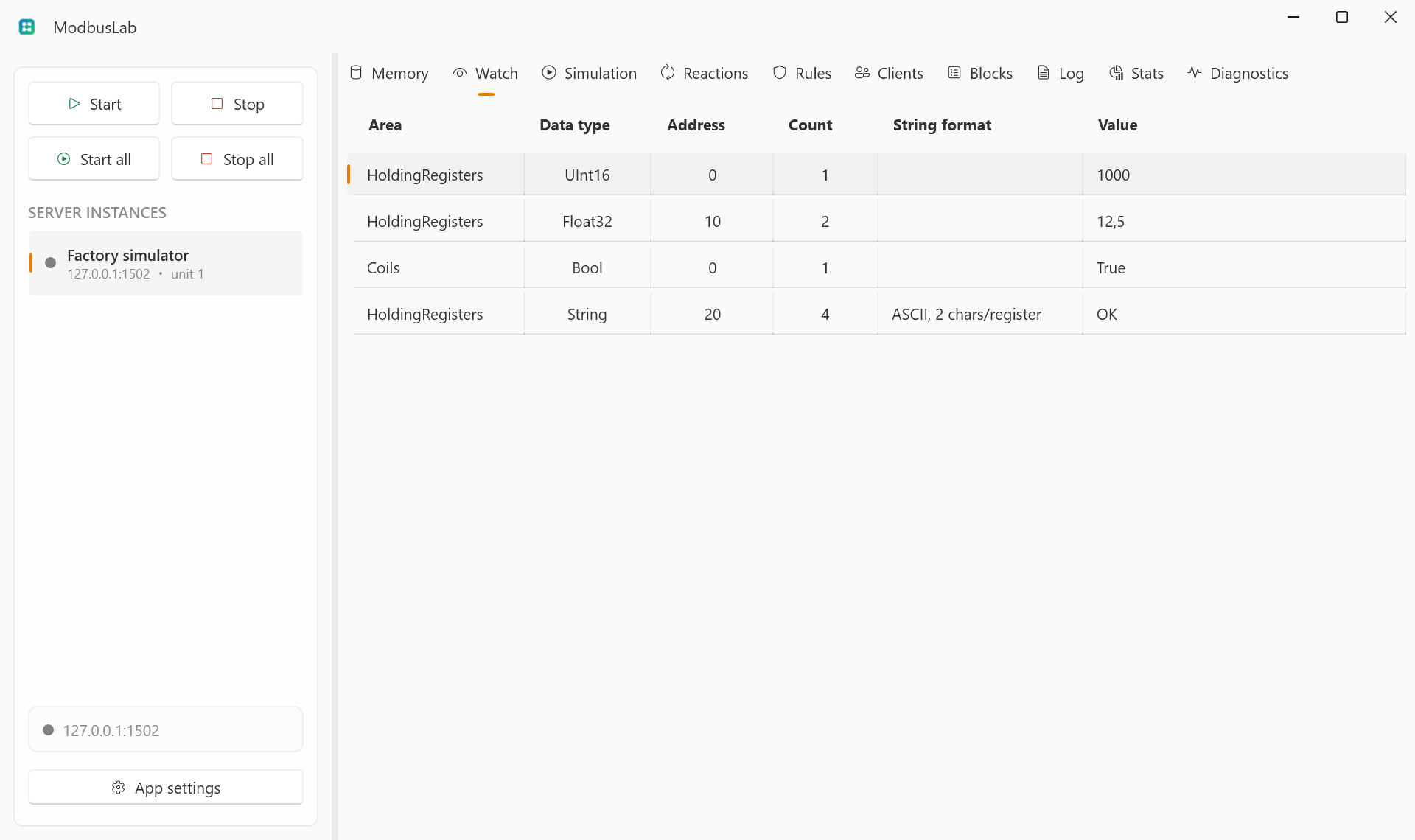
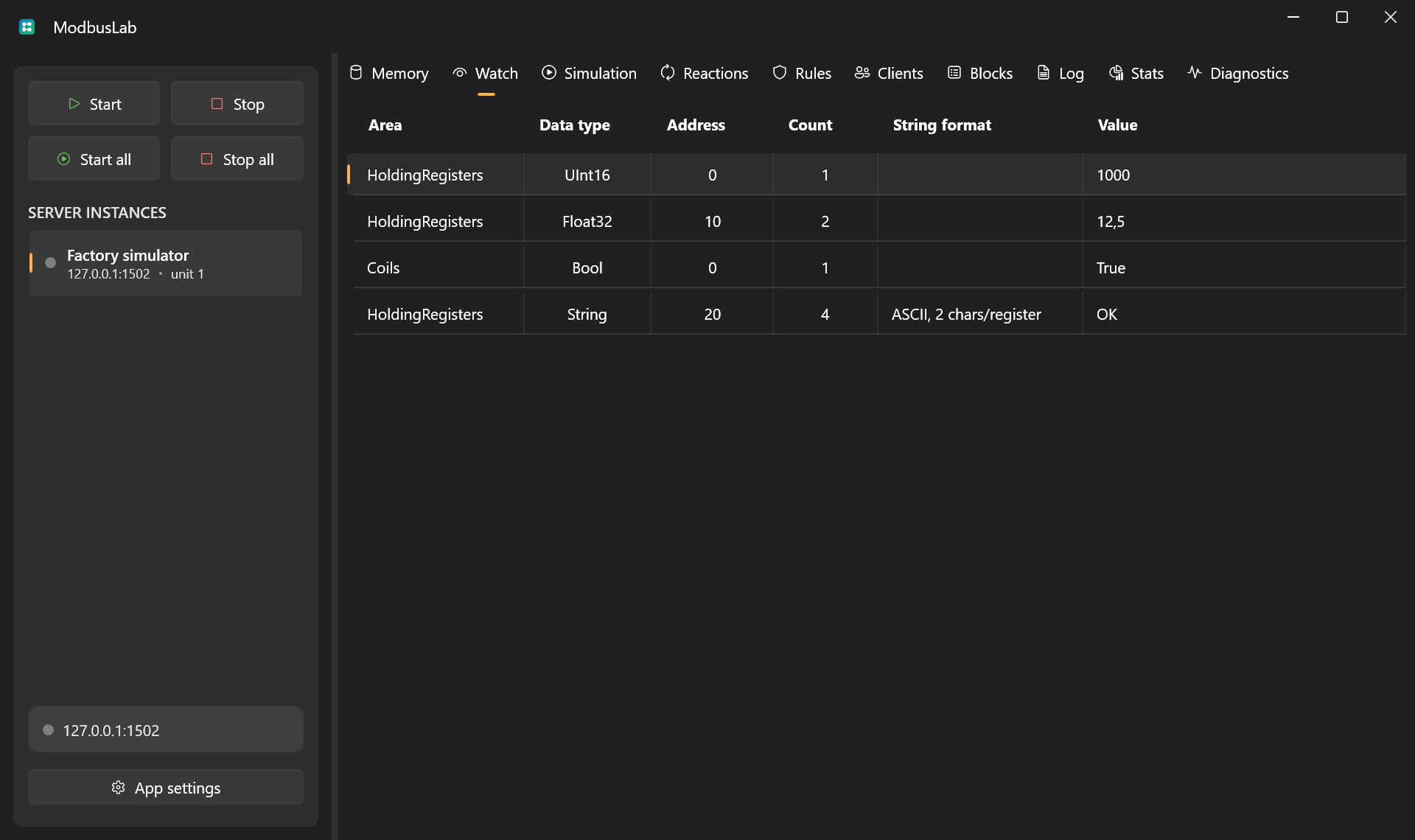
Watch Fields
Add a watch from the grid context menu or press Enter while the Watch grid is focused. Watch rows are edited inline.
Each watch defines:
- Name: display label.
- Area: memory area.
- Data type: interpretation of the memory value.
- Address: start address.
- Count: register count for variable-length string watches.
- String format: byte layout for string data.
- Value: current formatted value.
Supported Types
Register areas support:
BoolInt16,UInt16Int32,UInt32Int64,UInt64Float32,DoubleString
Bit areas support boolean values.
Byte And Word Order
Watches use the selected server byte order and word order. This lets you match devices that store multi-register values in low-word-first or high-word-first order.
Writing Through Watches
Editing a watch value converts the typed value back into raw Modbus memory. This is safer than editing multiple registers by hand when working with floats, doubles, or strings.
If the watch range is invalid or the value cannot be converted, ModbusLab reports the value as unavailable or rejects the edit.
Table Controls
Watch uses the shared table interactions for row selection, shortcuts, column layout, and row context menus.
See Table Controls for the common grid controls.