Servers
Server instances are independent Modbus TCP endpoints. Each instance has its own endpoint, memory image, watch list, simulation rules, fault rules, reactions, logs, metrics, and UI state.
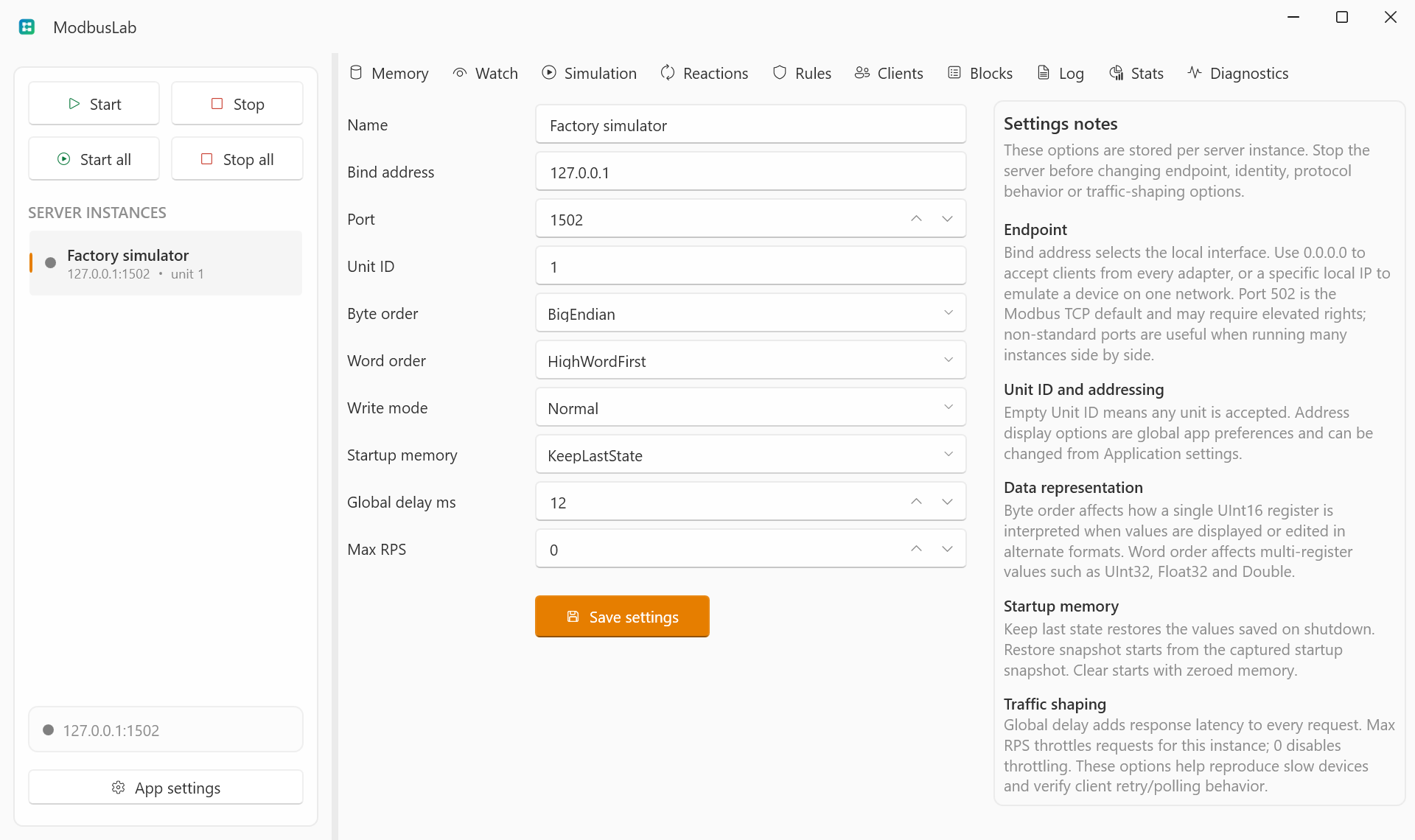
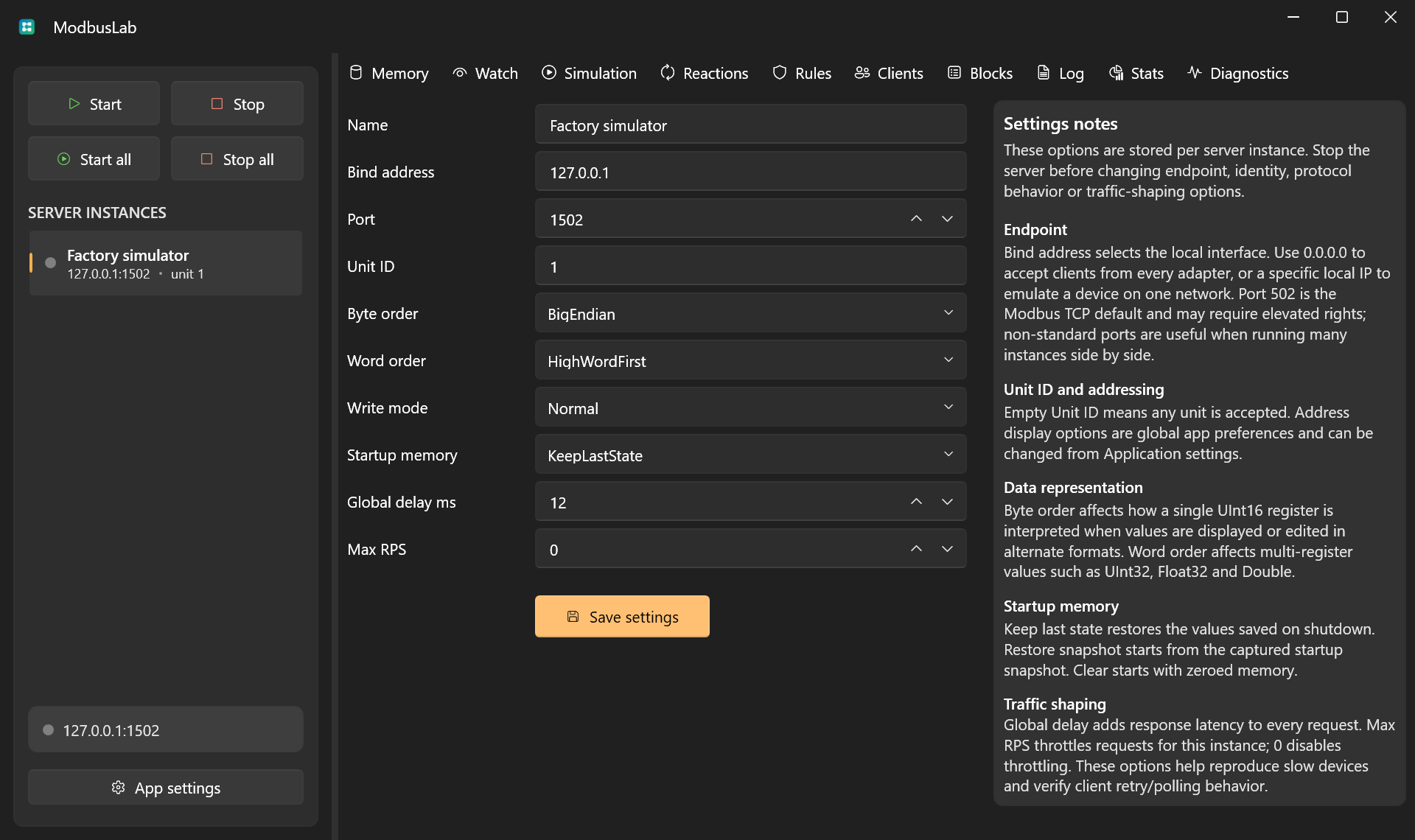
Server List
The left side of the workspace shows all configured server instances. Each item displays:
- running or stopped state;
- bind address and port;
- Unit ID scope.
Use the context menu to add, clone, delete, or edit a server.
Starting And Stopping
Use the toolbar buttons to start or stop the selected server, or start/stop all servers.
When a server starts, ModbusLab creates a TCP listener on the configured bind address and port. If the endpoint is unavailable, the app shows a specific startup error.
Endpoint Settings
- Bind address controls the local interface. Use
0.0.0.0to listen on all interfaces. - Port controls the TCP port. Use
1502for unprivileged local tests. - Unit ID filters requests by unit. Leave it empty to accept any unit.
Data Representation
Byte order and word order affect how register values are interpreted in watches and editor views.
- Byte order affects each 16-bit register.
- Word order affects multi-register values such as
UInt32,Float32, andDouble.
Write Modes
Write mode controls how client write requests behave:
- Normal applies writes to memory.
- ReadOnlyException rejects writes with a Modbus exception.
- IgnoreWrites accepts the workflow but does not update memory.
- LogOnly records the request without changing memory.
Startup Memory
Startup memory controls the memory image when a server starts:
- KeepLastState uses the current saved memory.
- ClearOnStartup starts from zeroed memory.
- RestoreSnapshot restores the captured startup snapshot.
Use a snapshot when you need repeatable tests from a known state.
Import And Export
Use the server list context menu to transfer a complete server profile:
- Export selected server writes a
*.modbuslab-server.jsonfile. - Import server reads that file and adds it as a new server.
The export contains the selected server's persistent configuration, current memory image, startup snapshot, watches, simulation rules, fault rules, and reactions. It intentionally does not include live-only data such as connected clients, runtime logs, metrics, current hit counters, or transient diagnostic text.
Imported servers are always added as a copy. ModbusLab assigns a new server ID, chooses a non-conflicting name when needed, and assigns a free port if the imported port would conflict with an existing server. Imported servers are not marked as running-on-shutdown, so they do not auto-start just because the source server was running when exported.
Server export files use a ModbusLab JSON envelope:
{
  "Format": "ModbusLab.ServerExport",
  "Version": 1,
  "ExportedAt": "2026-07-08T12:00:00Z",
  "Server": {}
}
The format is intended for ModbusLab server transfer, not as a stable public schema for third-party tooling.