Fault Rules
Fault rules let you test how Modbus clients behave when a server is slow, returns exceptions, or drops a connection.
Matching Requests
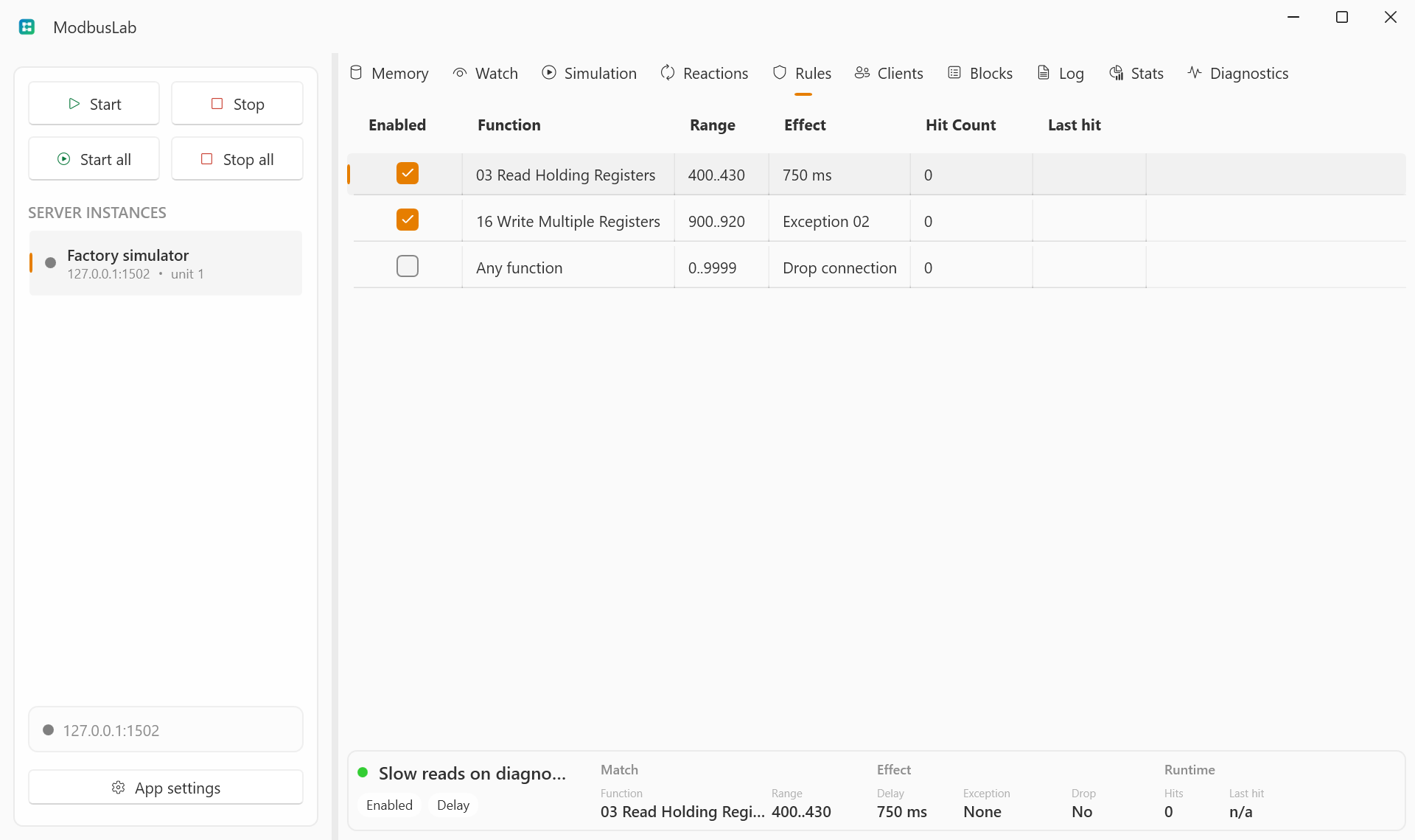
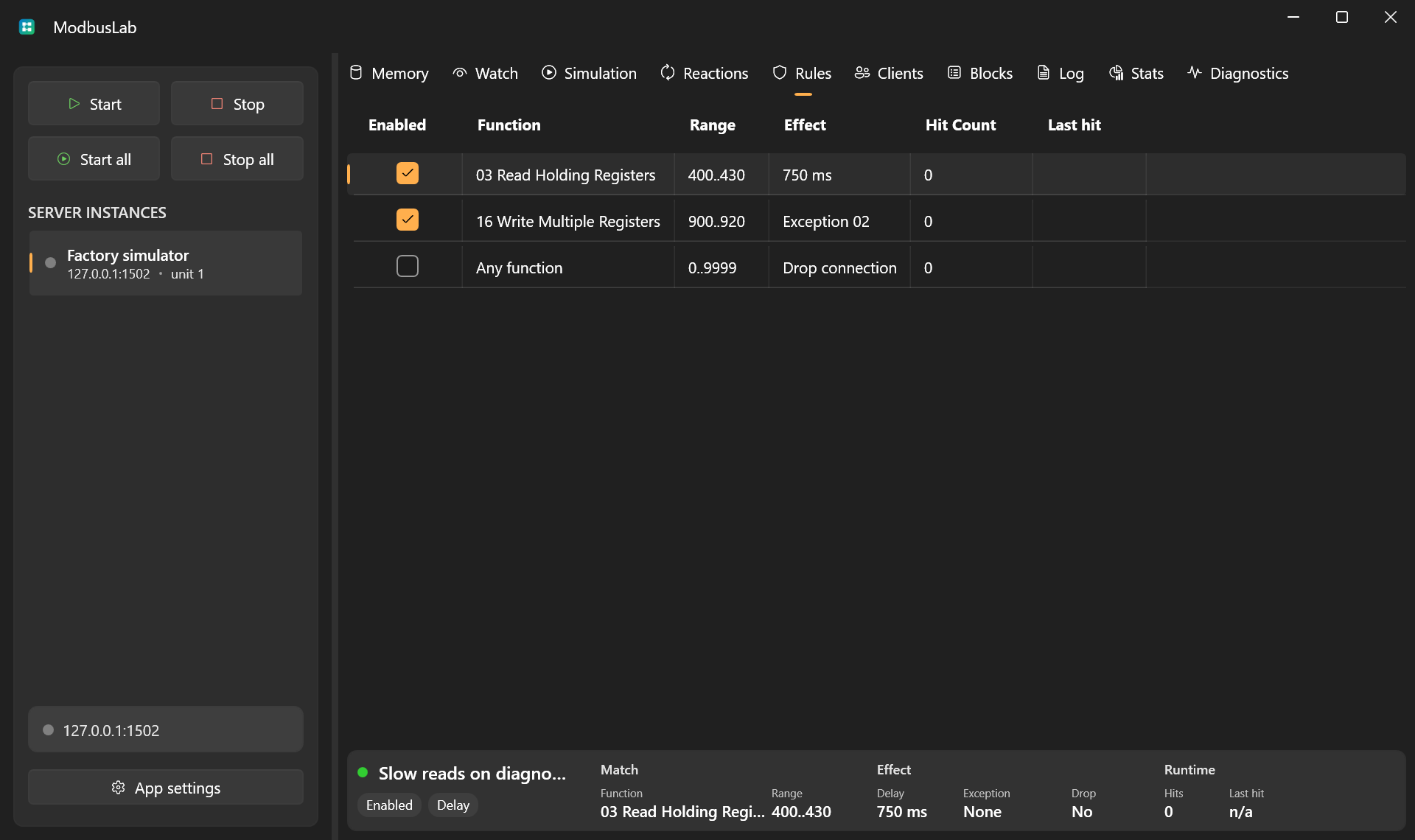
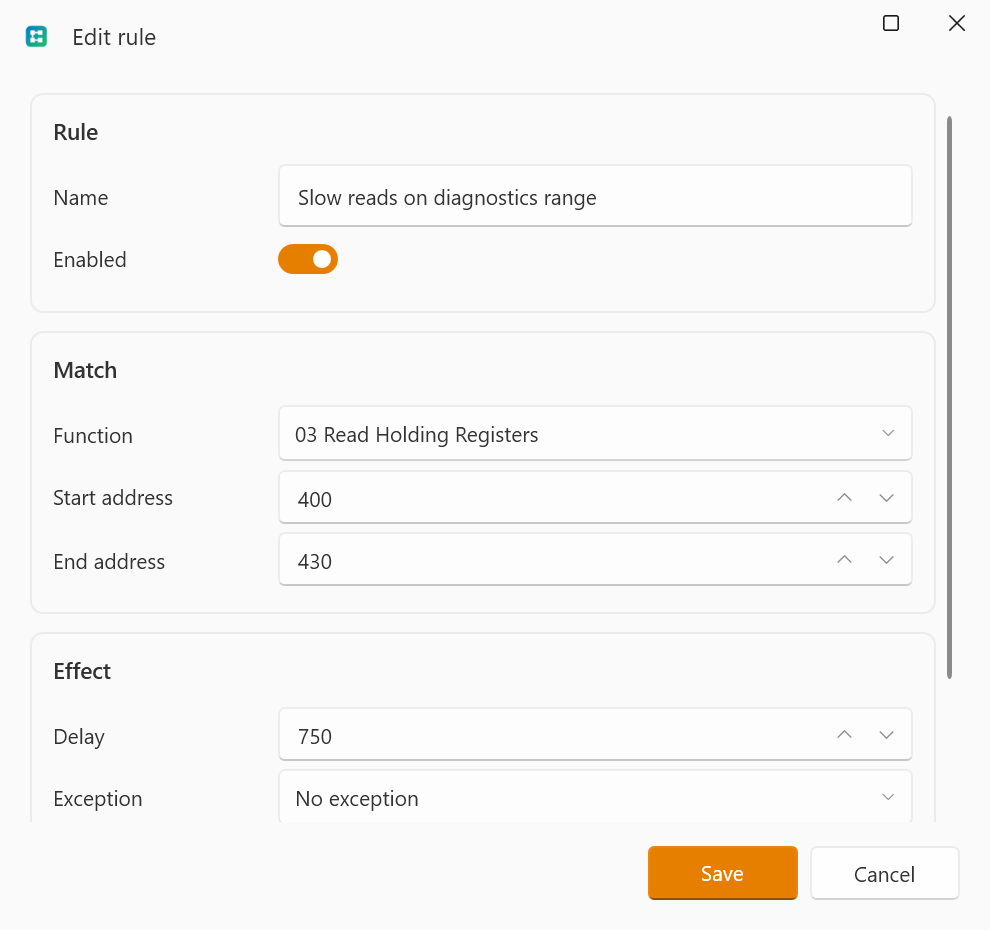
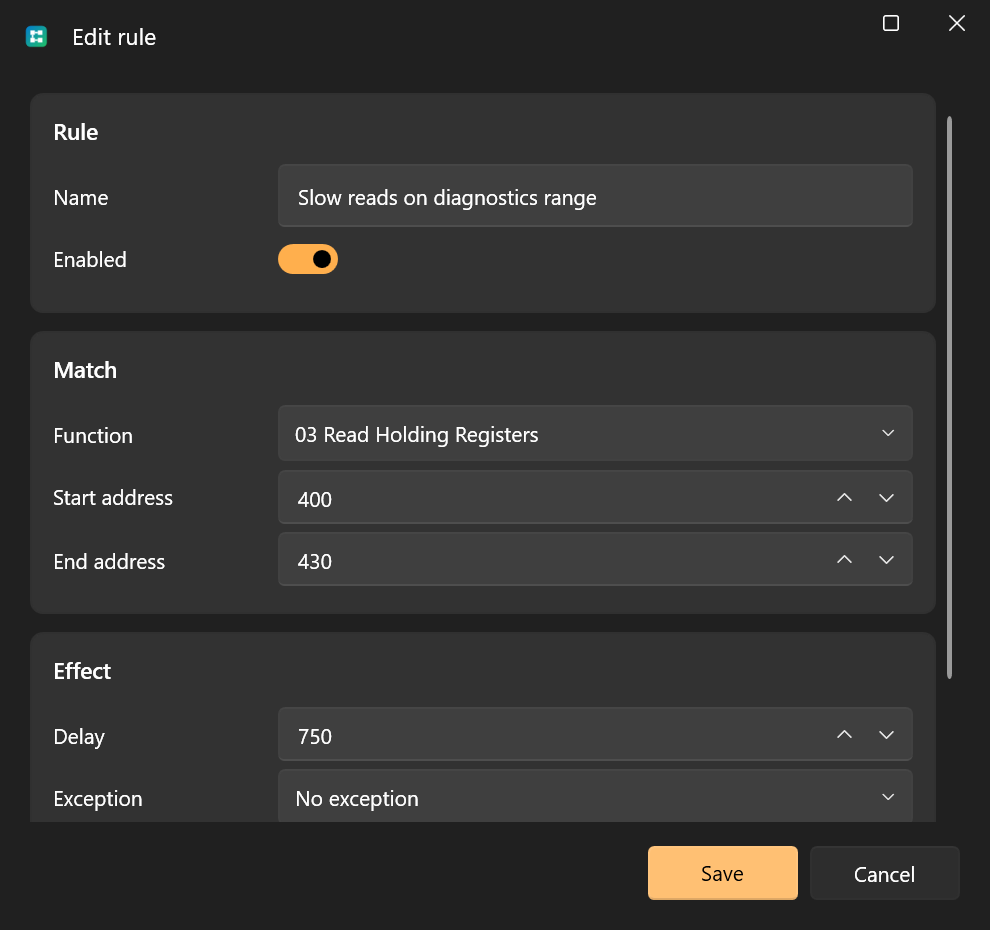
A fault rule can be added from the grid context menu or with Enter while the Rules grid is focused. Double-click a row, or choose Edit rule, to open the editor.
A rule can match:
- any function or a specific Modbus function code;
- a start/end address range.
Rules are evaluated in list order. The first matching enabled rule is applied.
Effects
A fault rule can:
- delay a response;
- return a Modbus exception code;
- drop the TCP connection.
You can combine delay with exception responses or connection drops.
Common Scenarios
- Add latency to reproduce slow devices.
- Return exception
02for illegal address ranges. - Return exception
04to test generic server failure handling. - Drop connections to validate reconnect logic.
Runtime Counters
Fault rules track hit count and last hit time. Reset counters from the context menu when you want a clean test run.
Table Controls
Rules uses the shared table interactions for selection, shortcuts, column layout, row context menus, and the header context menu.
See Table Controls for the common grid controls.