ModbusLab
ModbusLab is a Windows desktop laboratory for Modbus TCP simulation, diagnostics, and repeatable test sessions.
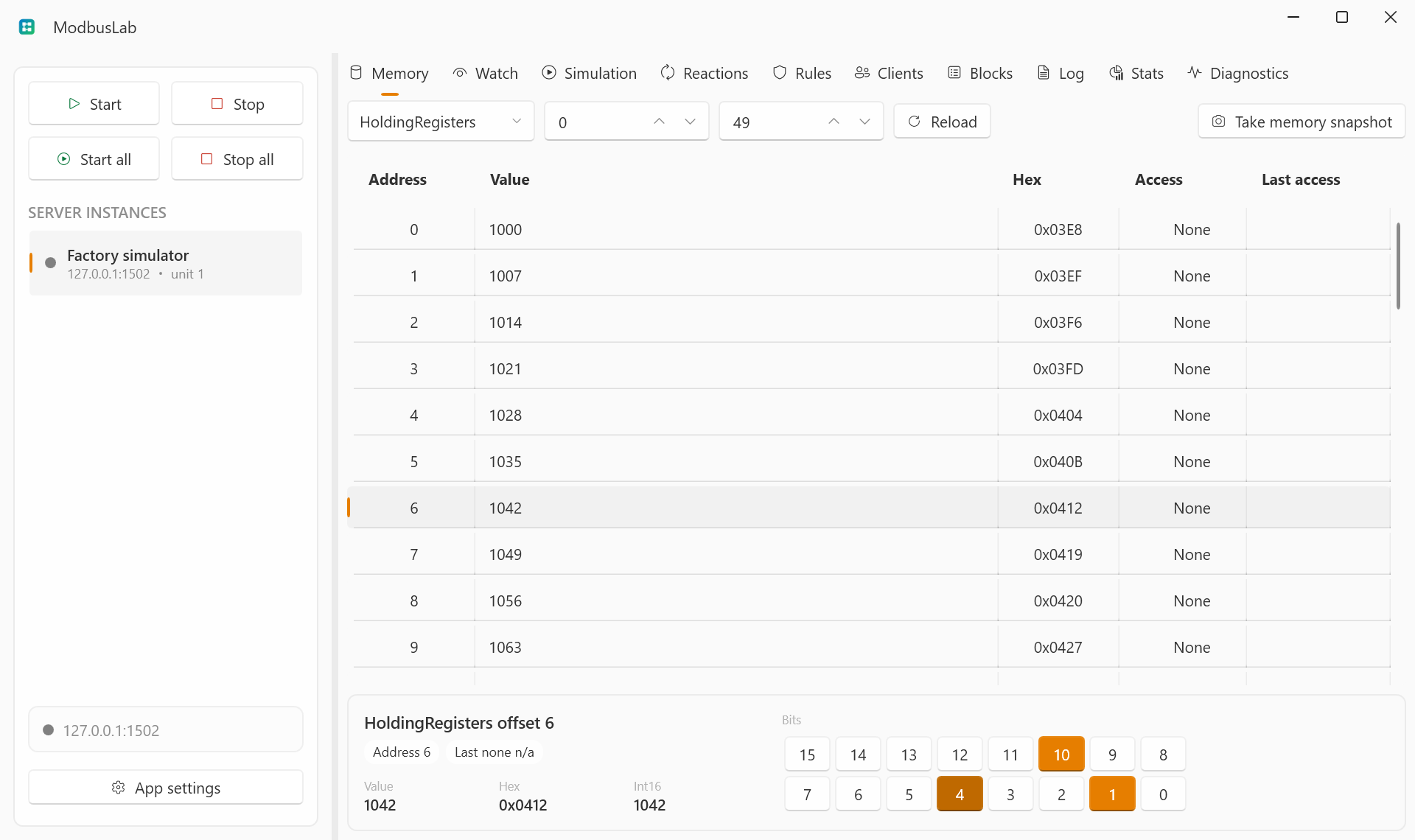
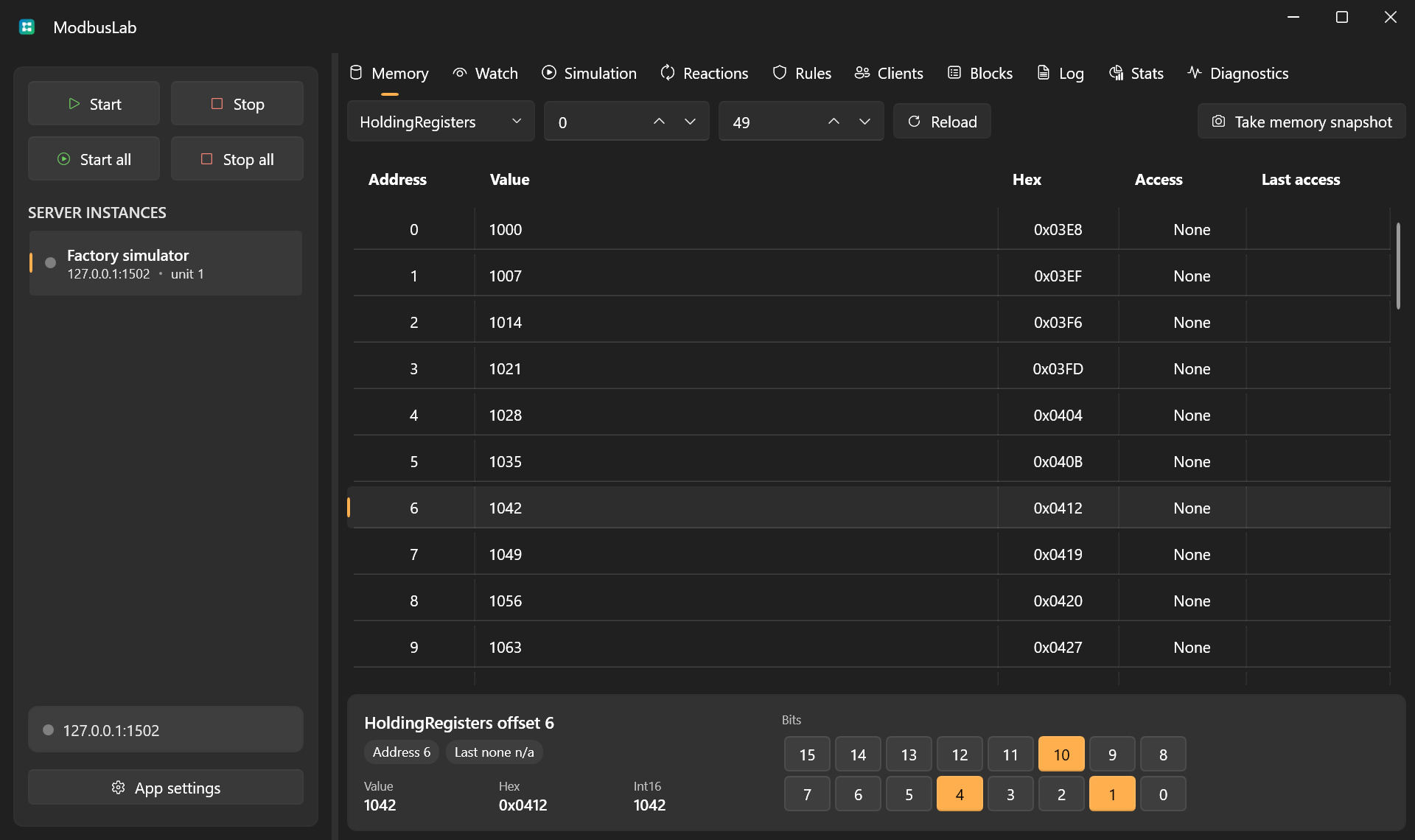
It lets you create one or more local Modbus TCP server instances, inspect and edit memory, define typed watches, generate changing values, apply fault behavior, react to writes, analyze live client traffic, transfer complete server profiles, and expose the live workspace to local MCP clients.
What You Can Do
- Run multiple Modbus TCP server instances from one application.
- Inspect coils, discrete inputs, holding registers, and input registers.
- Edit raw memory values and watch typed interpretations side by side.
- Simulate raw addresses or typed watches with counters, toggles, sine waves, random values, pulses, ramps, square waves, sawtooth signals, and noise.
- Inject delays, exception responses, and dropped connections.
- Trigger write reactions that update addresses or watches automatically.
- Track connected clients, request blocks, logs, function counts, and latency.
- Import or export a complete server profile, including memory, watches, rules, and reactions.
- Enable a secure local MCP endpoint for LLM-assisted inspection and control.
When ModbusLab Helps
Use ModbusLab when you need a controllable Modbus TCP device for:
- validating a SCADA, HMI, PLC, gateway, or test bench;
- reproducing device behavior without having the real device available;
- exercising client retry, timeout, polling, and write logic;
- preparing repeatable demos or troubleshooting sessions;
- analyzing what a client is actually reading and writing.
First Steps
- Read Getting Started.
- Create or select a server instance.
- Start the server on a test port such as
1502. - Connect your Modbus TCP client to the selected endpoint.
- Use Memory, Watches, Simulation, Rules, Reactions, and Traffic views to shape and inspect behavior.
- Use Server Import And Export or the optional MCP Server when you need to move profiles or automate ModbusLab from an LLM client.
- Check Release Notes when upgrading between builds.
Official Builds And Source Builds
TyKonLab controls official ModbusLab builds and release artifacts. You may build ModbusLab from source and use it for free, including in production, under the terms in the repository license.
See License for the plain-English summary.