Settings
Settings are split between per-server settings and application settings.
Per-Server Settings
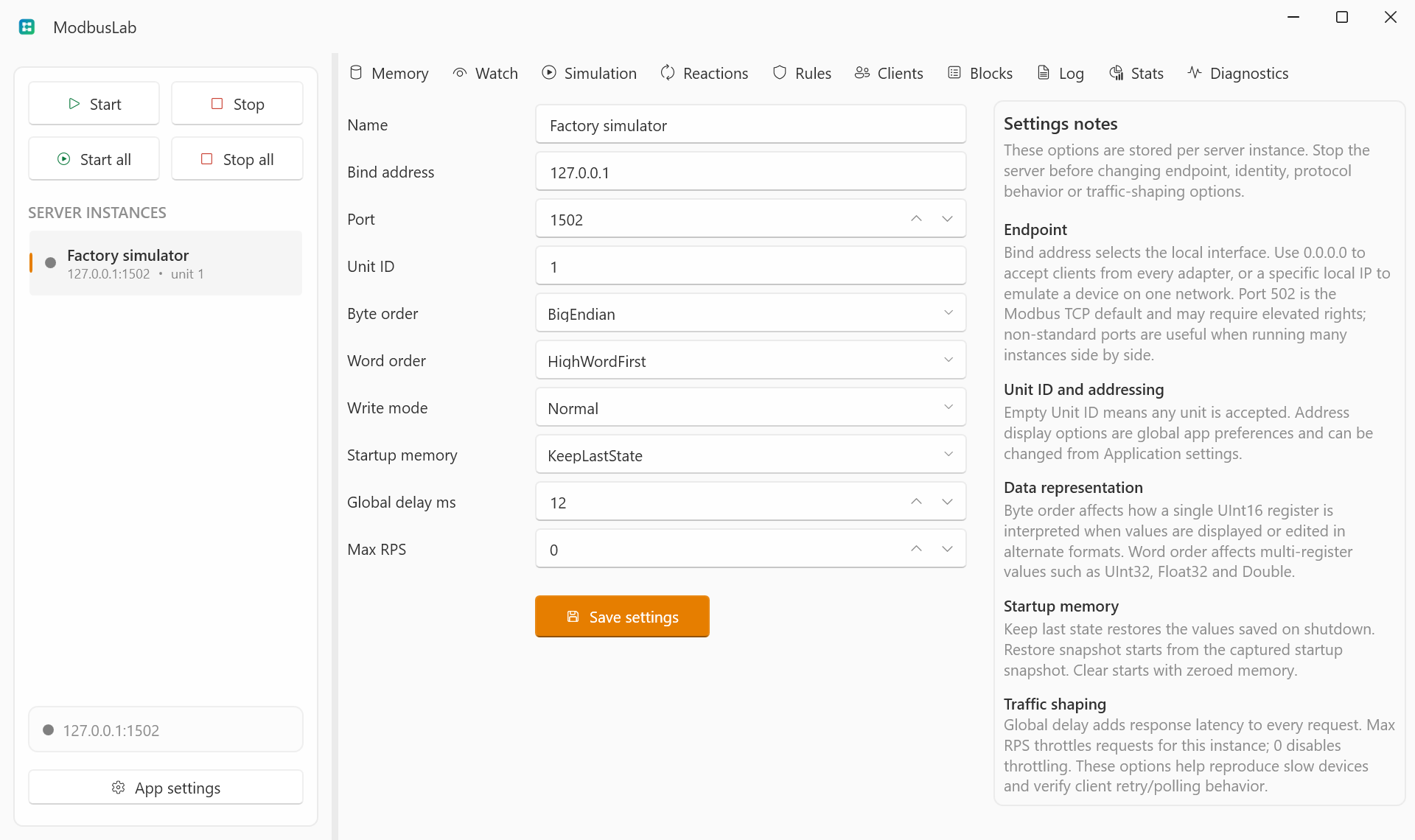
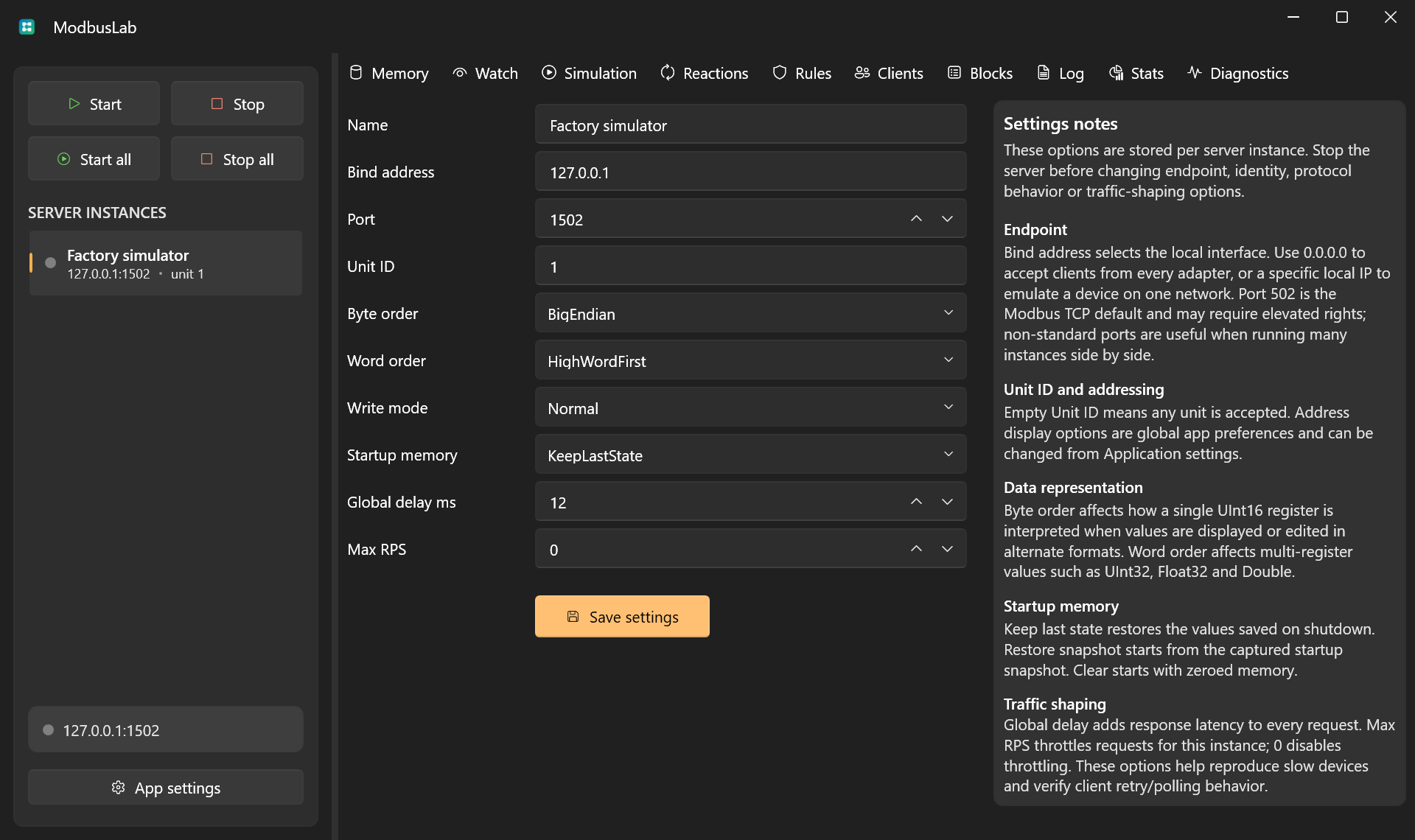
Per-server settings control endpoint, identity, data representation, write behavior, startup memory, and traffic shaping.
Stop the server before changing endpoint or protocol behavior settings.
Startup memory is applied only after the TCP endpoint has bound successfully. Keep last state preserves current memory, Clear on startup clears every area, and Restore snapshot copies the captured snapshot into the existing runtime memory. A failed bind never changes memory.
Response delay is applied once to every completed request path, including exception responses and connection drops. When a matching fault rule also has a delay, the two delays are additive.
Open per-server settings by selecting a server and choosing Settings in the main navigation. You can also right-click a server in the server list and choose Server settings.
Application Settings
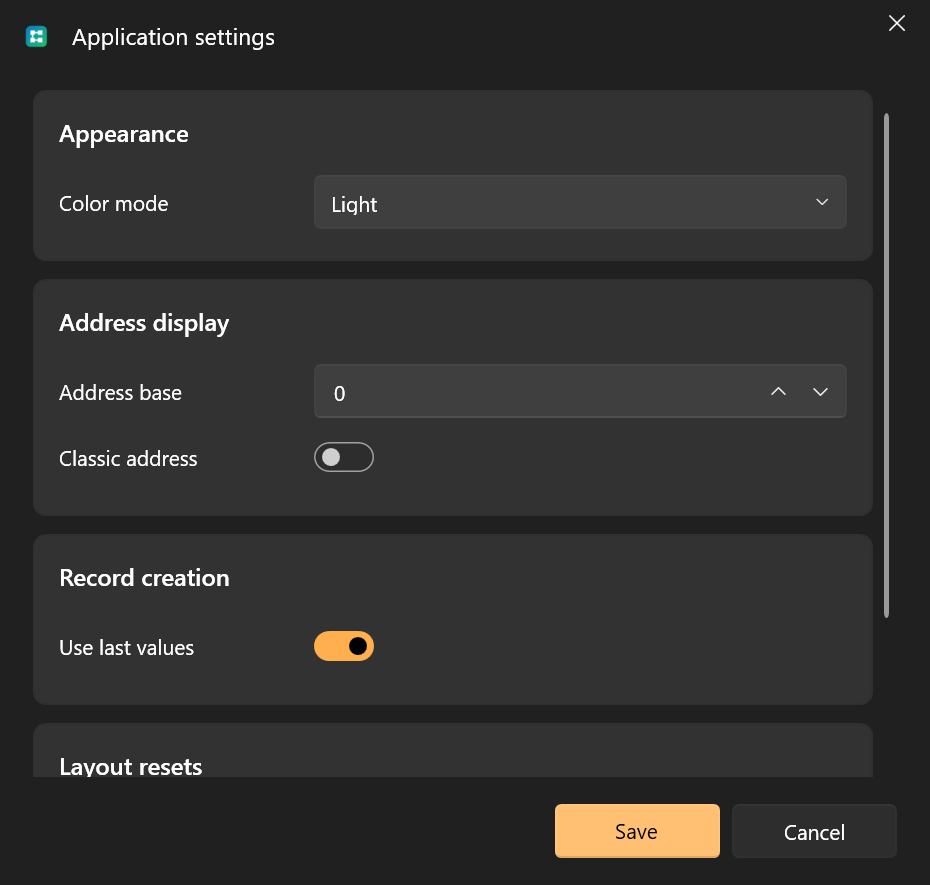
Application settings control preferences shared by the whole app:
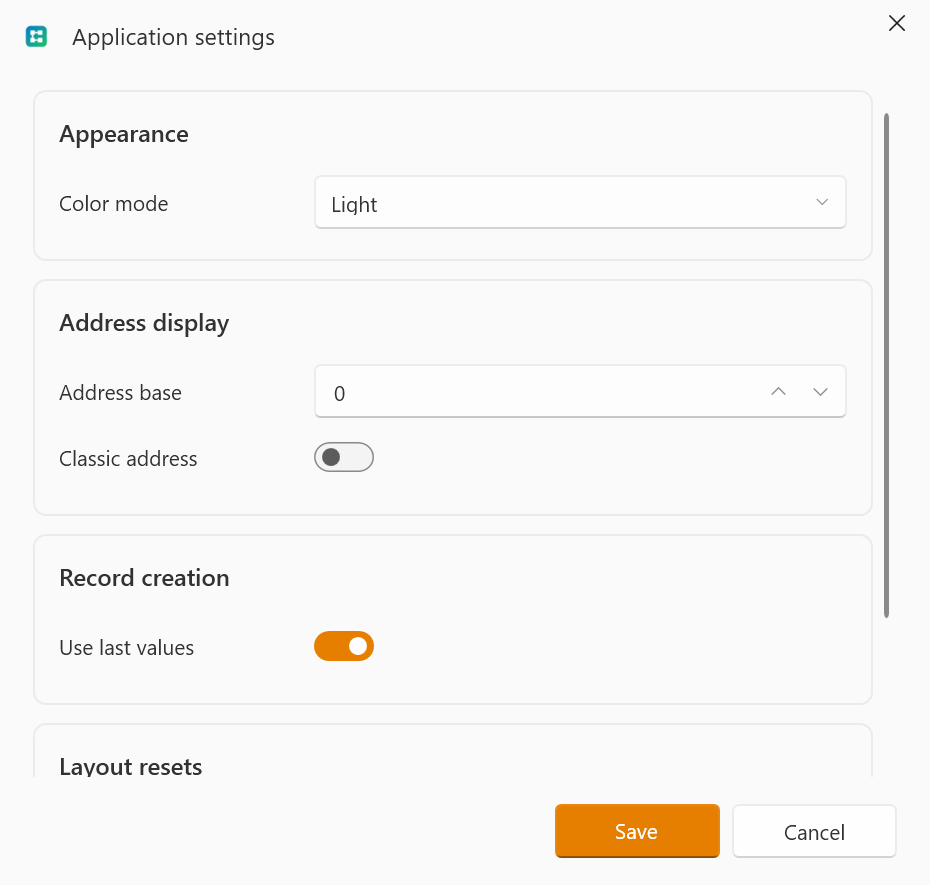
- color mode;
- address base;
- classic address display;
- record creation behavior;
- automatic update checks;
- grid layout reset;
- window layout reset;
- local MCP server access.
Use Color mode to choose light, dark, or system theme. Use Address base and Classic address to control how Modbus addresses are displayed across memory, watches, logs, and diagnostics.
When Use last values is enabled, new watches, simulation rules, fault rules, and reactions start from the currently selected row, or from the last row when nothing is selected.
Update Checks
Automatically check for updates checks the latest stable ModbusLab release on GitHub when the application starts. The check runs in the background and does not block the workspace. Network failures are ignored, and ModbusLab tries again on the next start.
When a newer version is available, the update notification can open the release page, skip that specific version, or disable automatic checks. Skipping a version does not hide later releases. Disabling checks can be reversed from Application Settings and takes effect on the next application start.
ModbusLab does not download or install updates automatically. The GitHub release page contains the release notes and available downloads.
MCP Server Settings
ModbusLab can host an optional local MCP server so MCP-capable LLM clients can inspect and control the running workspace.
The MCP server is disabled by default. When enabled, it listens only on loopback:
http://127.0.0.1:<port>/mcp
Settings include:
- Enable MCP server starts or stops the local MCP host.
- Port chooses the loopback HTTP port.
- Endpoint shows the full client URL and can be copied.
- Access token is masked and can be copied or regenerated.
- Require token requires
Authorization: Bearer <token>. - Allow mutations controls whether non-dry-run mutating tools can change state.
Keep Require token enabled unless you are doing a short local test. Keep Allow mutations disabled when you want an LLM client to inspect state and run validation only.
See MCP Server for the available resources, tools, and client behavior.
Layout Persistence
ModbusLab saves:
- selected page;
- window placement;
- grid column widths;
- hidden columns;
- pinned columns;
- editor window placement.
Use layout reset actions if a grid or window becomes inconvenient after experimentation.
Project Storage
ModbusLab stores its active configuration in the current user's local application data folder. Project format 2 saves through a verified temporary file in the same directory, creates a backup, and atomically replaces the active file.
Unversioned projects are treated as format 1 and migrated automatically. Invalid legacy rules and duplicate Watch names remain intact and are reported in Diagnostics; editing them requires satisfying the current validation rules.
If the active JSON is corrupt, ModbusLab preserves it before loading the newest valid backup or offering to create a new project. No recovery repair is written until you confirm it. A project from a future unsupported format blocks startup without being overwritten.
This keeps runtime configuration separate from the source repository and makes the published executable self-contained.