Reactions
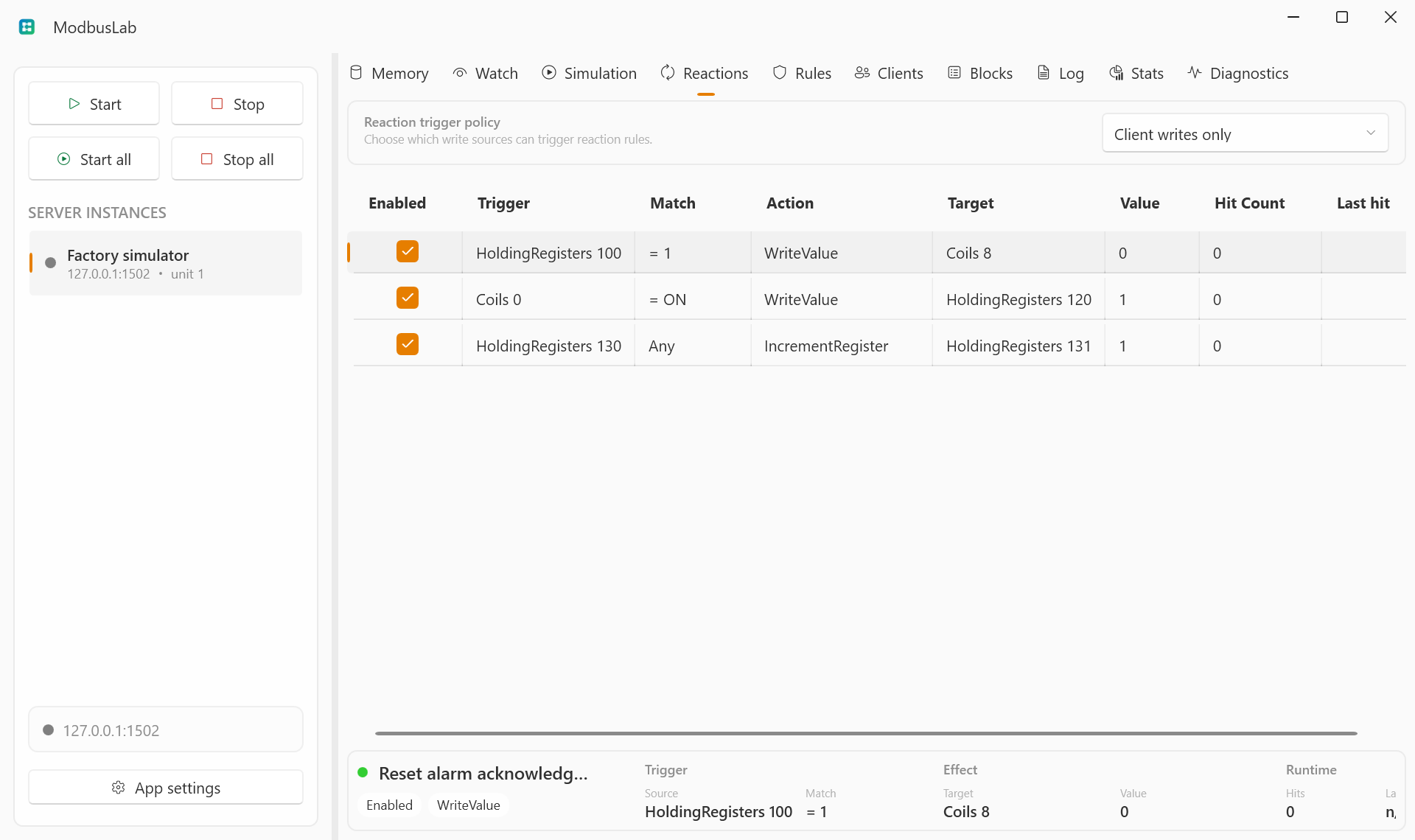
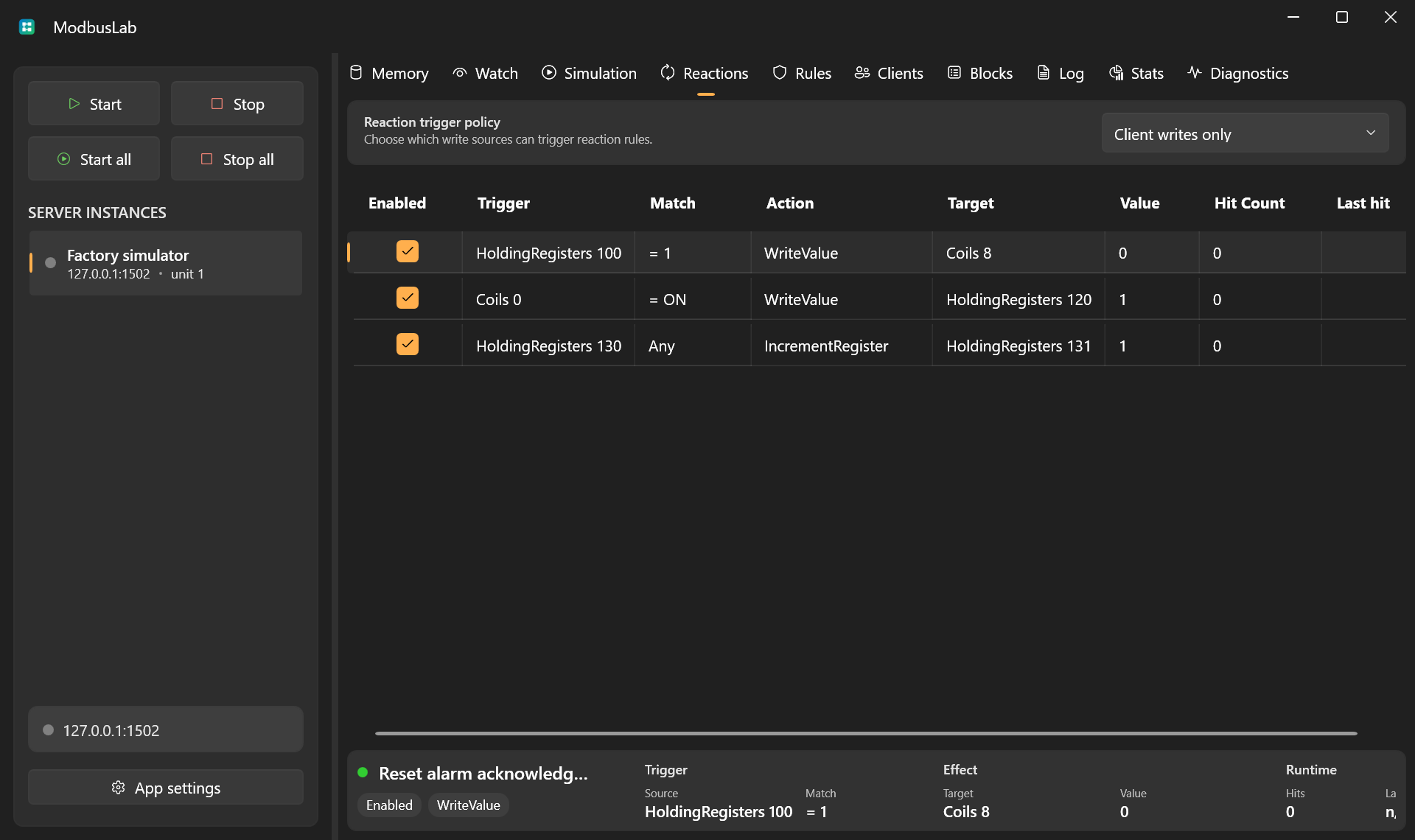
Reactions are write-triggered automation rules. They let ModbusLab respond to client or local writes by updating other values.
Trigger Sources
A reaction can be added from the grid context menu or with Enter while the Reactions grid is focused. Double-click a row, or choose Edit reaction, to open the editor.
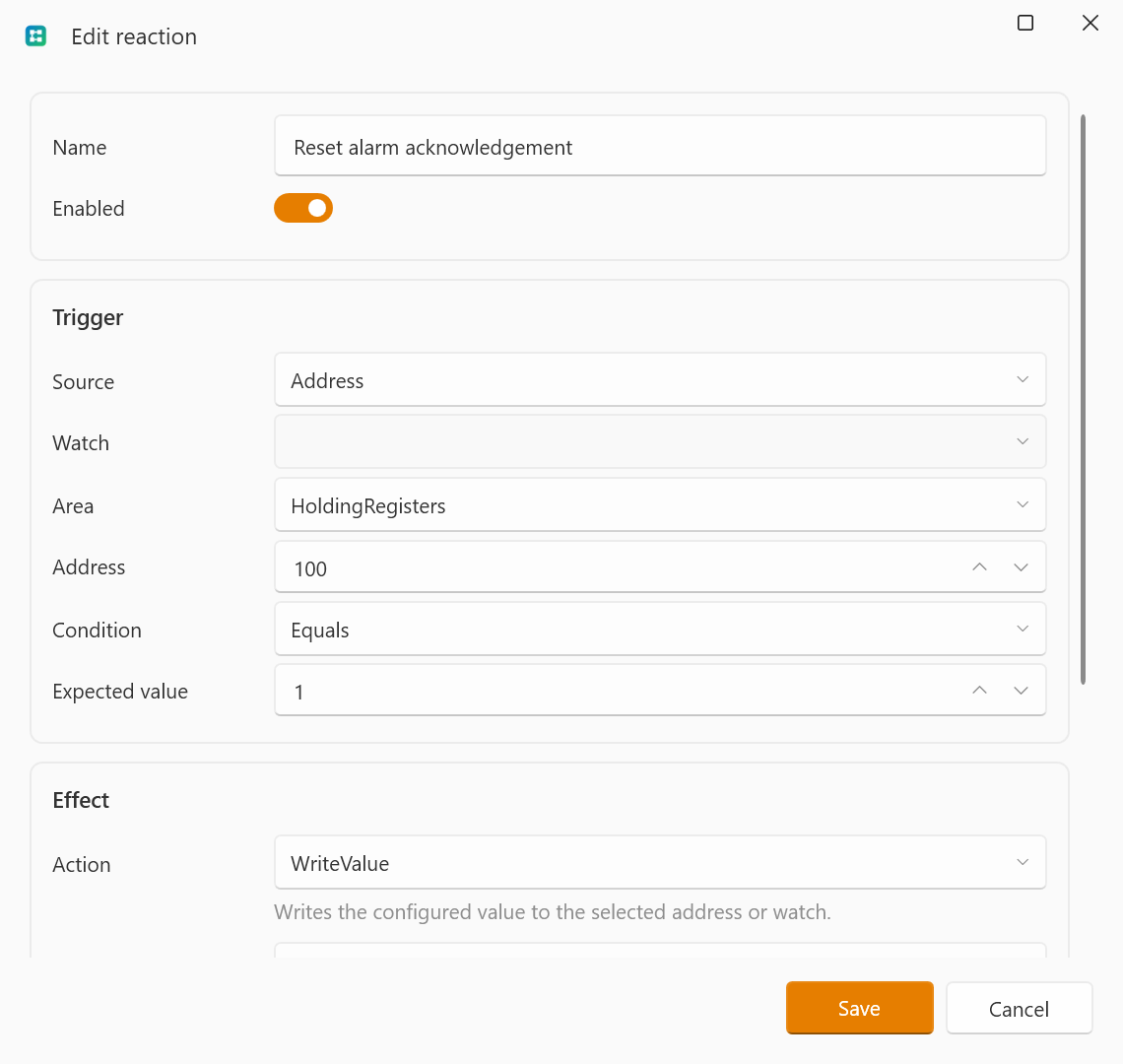
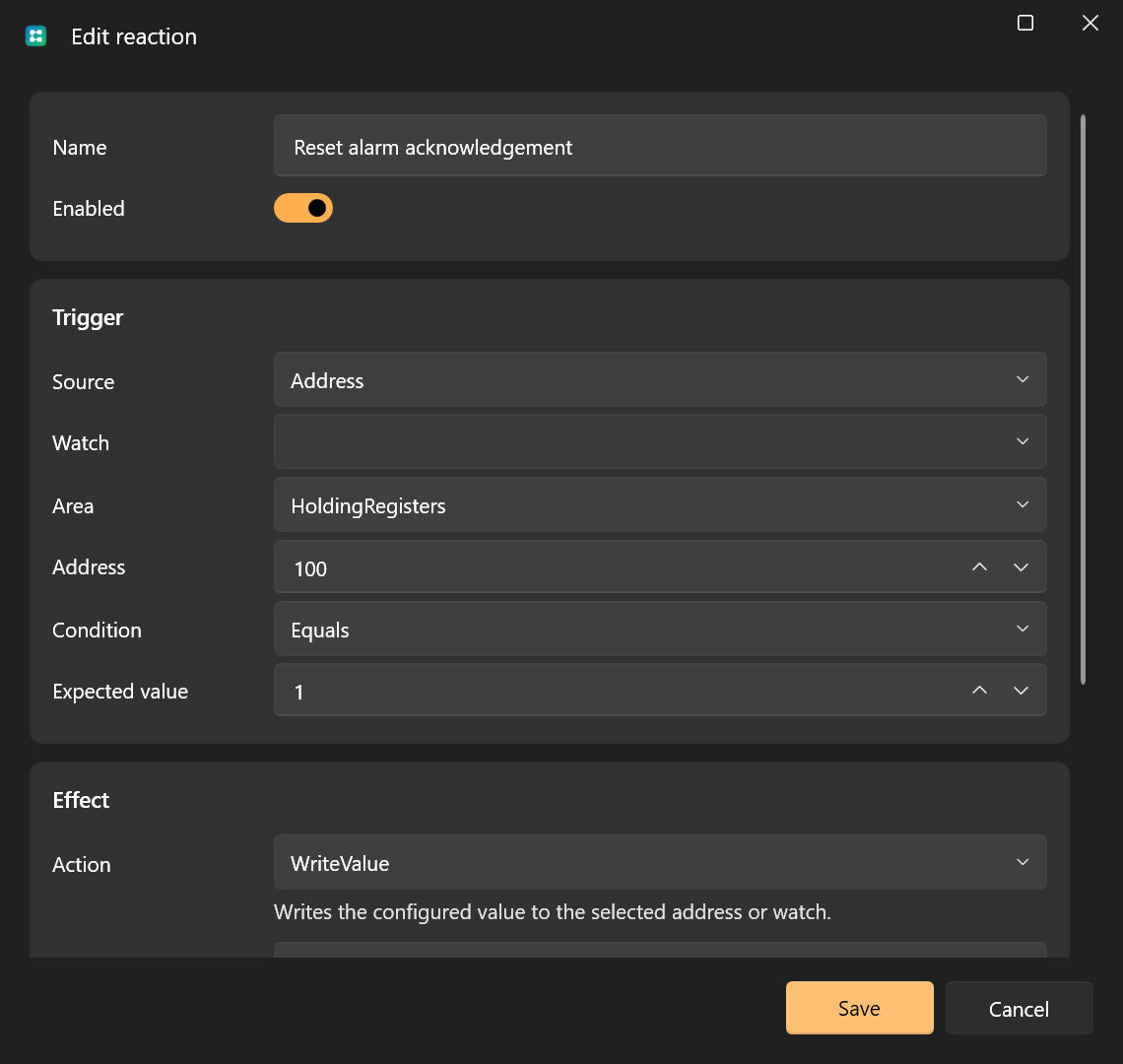
A trigger can target:
- a raw address;
- a named watch.
The trigger can match any value or compare against a configured value using operators such as equals, greater than, or less than.
Actions
Reactions can:
- write a value;
- reset the trigger;
- toggle a bit;
- increment a register.
Targets can also be raw addresses or watches.
Trigger Policy
The server reaction trigger policy controls whether reactions run for:
- client writes only;
- client and local writes;
- client and local writes only while the server is running.
Use client-only mode when you want ModbusLab UI edits to prepare memory without firing automation.
Practical Uses
Use reactions to emulate:
- command acknowledgment bits;
- write-to-reset counters;
- simple interlocks;
- registers that change when a command is received.
Table Controls
Reactions uses the shared table interactions for selection, shortcuts, column layout, row context menus, and the header context menu.
See Table Controls for the common grid controls.