Memory
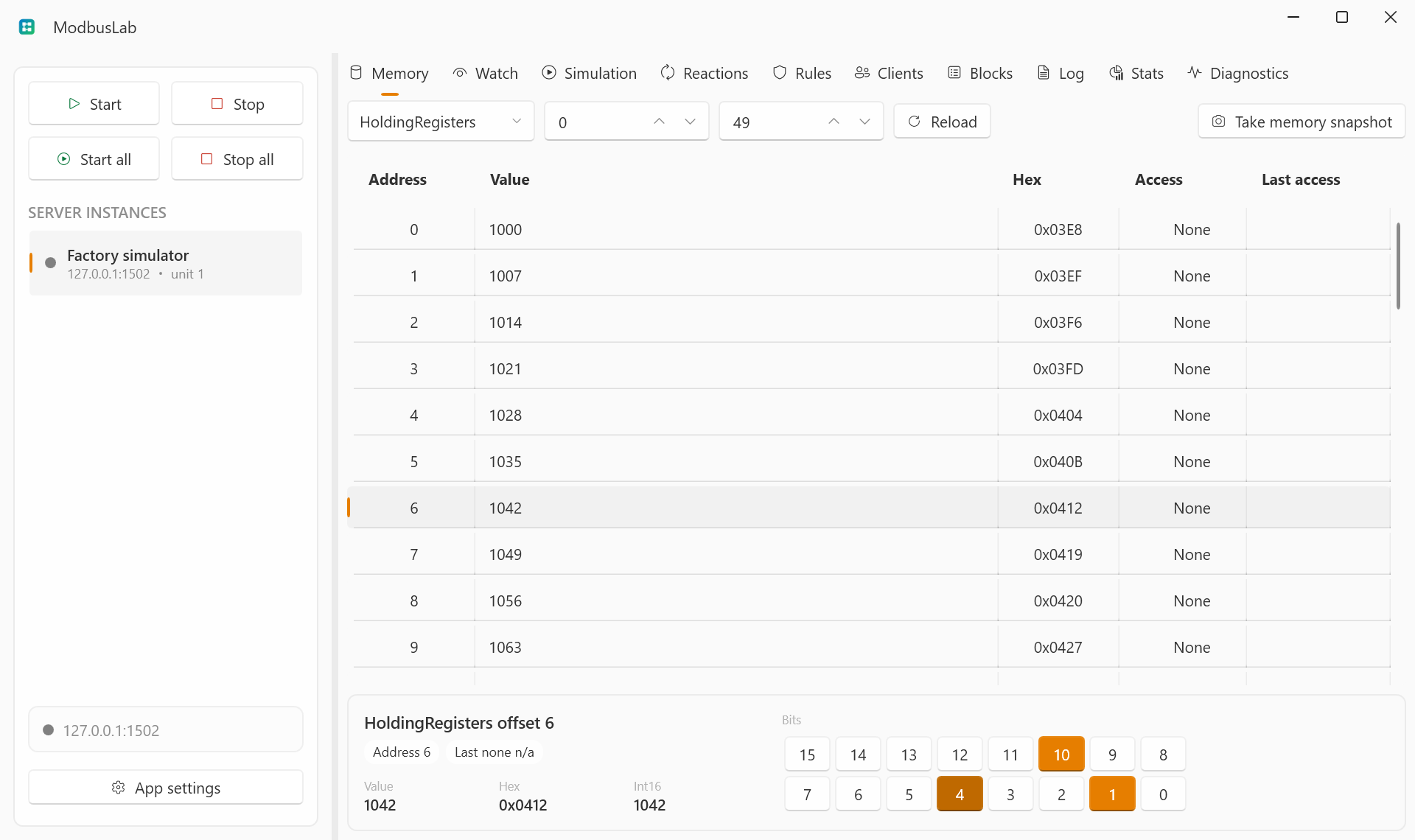
The Memory view is the raw Modbus memory editor. It is useful when you need to inspect addresses, edit values directly, or understand recent read/write access.
Memory Areas
ModbusLab exposes four areas:
- Coils: read/write bit values.
- Discrete Inputs: bit values typically treated as read-only by clients.
- Holding Registers: read/write 16-bit register values.
- Input Registers: register values typically treated as read-only by clients.
Address Range
Use the range controls to choose the visible address window. ModbusLab keeps grids compact by showing a bounded range instead of all 10,000 values at once.
Use Reload to rebuild the visible range from the selected server memory. This is useful after changing the area or range, or after external traffic has updated values while you were focused elsewhere.
Use Take memory snapshot to store the current memory image as the server startup snapshot. Servers configured with RestoreSnapshot use that captured image the next time they start.
Editing Values
For bit areas, use the checkbox value column. For register areas, edit the numeric value directly.
Local UI edits do not count as client-side access, but they can trigger reactions if the selected server reaction policy allows local writes.
Right-click selected rows and choose Clear selected memory to reset the selected addresses without changing the rest of the memory image.
Access Indicators
The Access column shows recent read or write activity. This helps you identify what your client is polling or changing in real time.
Classic Addresses
If classic address display is enabled, ModbusLab shows traditional Modbus-style addresses such as 40001 alongside zero-based offsets.
Use Application Settings to choose the global address base and classic address visibility.
Table Controls
Memory uses the shared table interactions for selection, sorting, column sizing, hidden columns, and pinned columns.
See Table Controls for the common grid controls and shortcuts.